
FeedLaunchesDiscussionsOpportunitiesToolkits New Members
Excelerator Password VerifiedThis product has been verified by Founders Today
Lock and unlock Excel workbooks without opening Excel
LiveOther
Excelerator Password VerifiedThis product has been verified by Founders Today
Lock and unlock Excel workbooks without opening Excel
LiveOther
Visit Website
Excelerator Password screenshot 1
1 / 2
Thumbnail 1
Thumbnail 2
About Excelerator Password

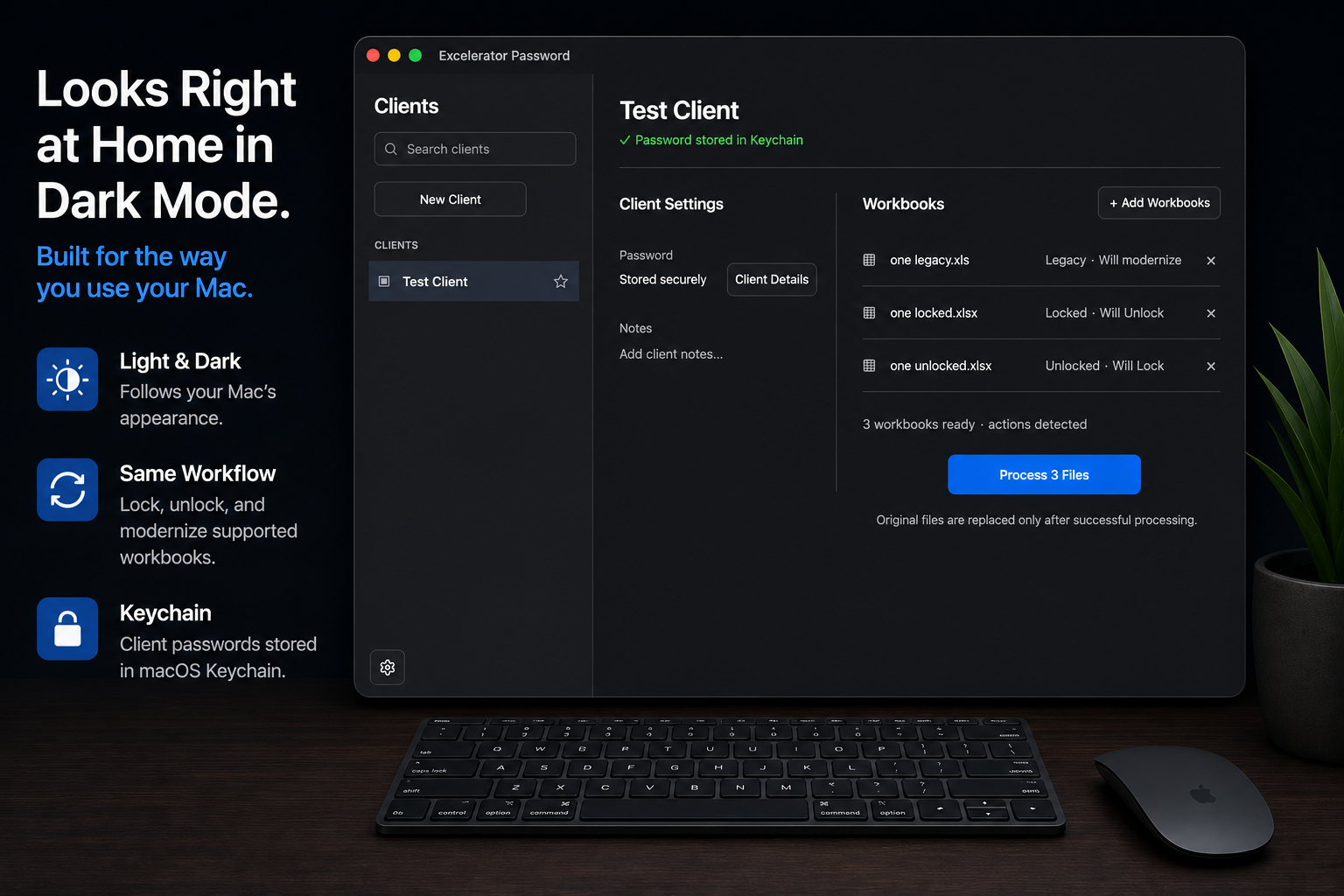
Excelerator Password started with a repetitive problem I was dealing with myself opening password Excel workbooks one at a time, entering the same client passwords, changing the protection, saving, closing, and doing it all over again. I built Excelerator to turn that repetitive process into a simple Mac workflow. Add supported .xlsx, .xlsm, and legacy .xls workbooks and Excelerator determines whether each file needs to be locked, unlocked, or modernized. Mixed actions can be processed together in the same batch, and client passwords can be securely saved in macOS it happens locally on the Mac and doesn't require opening Excel. What began as a tool to solve my own workflow has grown into my first Mac app, now available on the Mac App Store.


Problem it solves
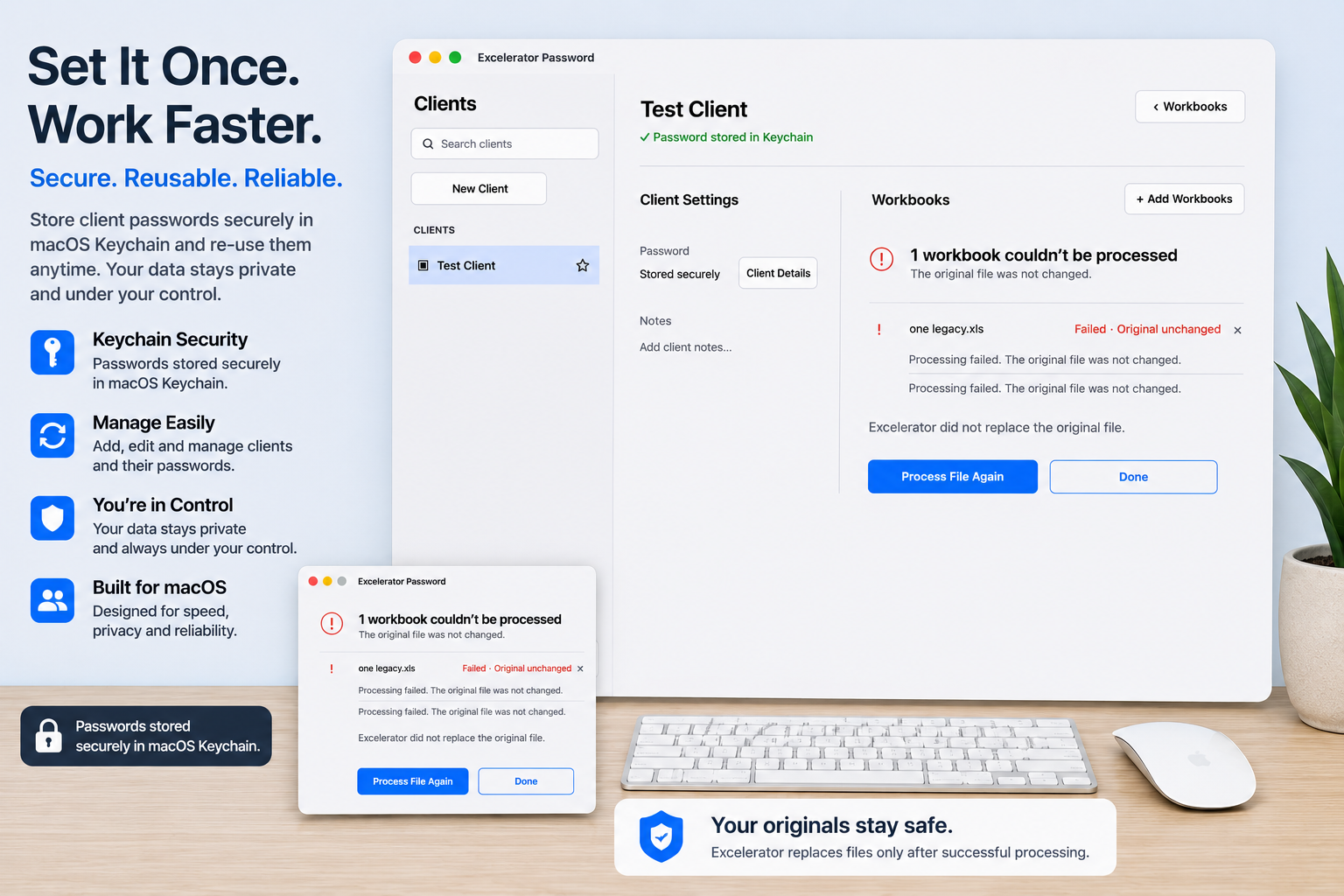
Working with password-protected Excel files can become extremely repetitive when the same task has to be performed across many workbooks. Excelerator removes the need to open each supported workbook individually, enter the same passwords repeatedly, change its protection, save it, close it, and move on to the next file.
Who it's for
Professionals and businesses that regularly work with password-protected Excel workbooks
Frequently Asked Questions
Discussion(0)

Sign in to join the conversation

No comments yet. Be the first!

More in Other

Excelerator PasswordVisit