
Payment Receipt OCR API: Automate Receipt Data Extraction
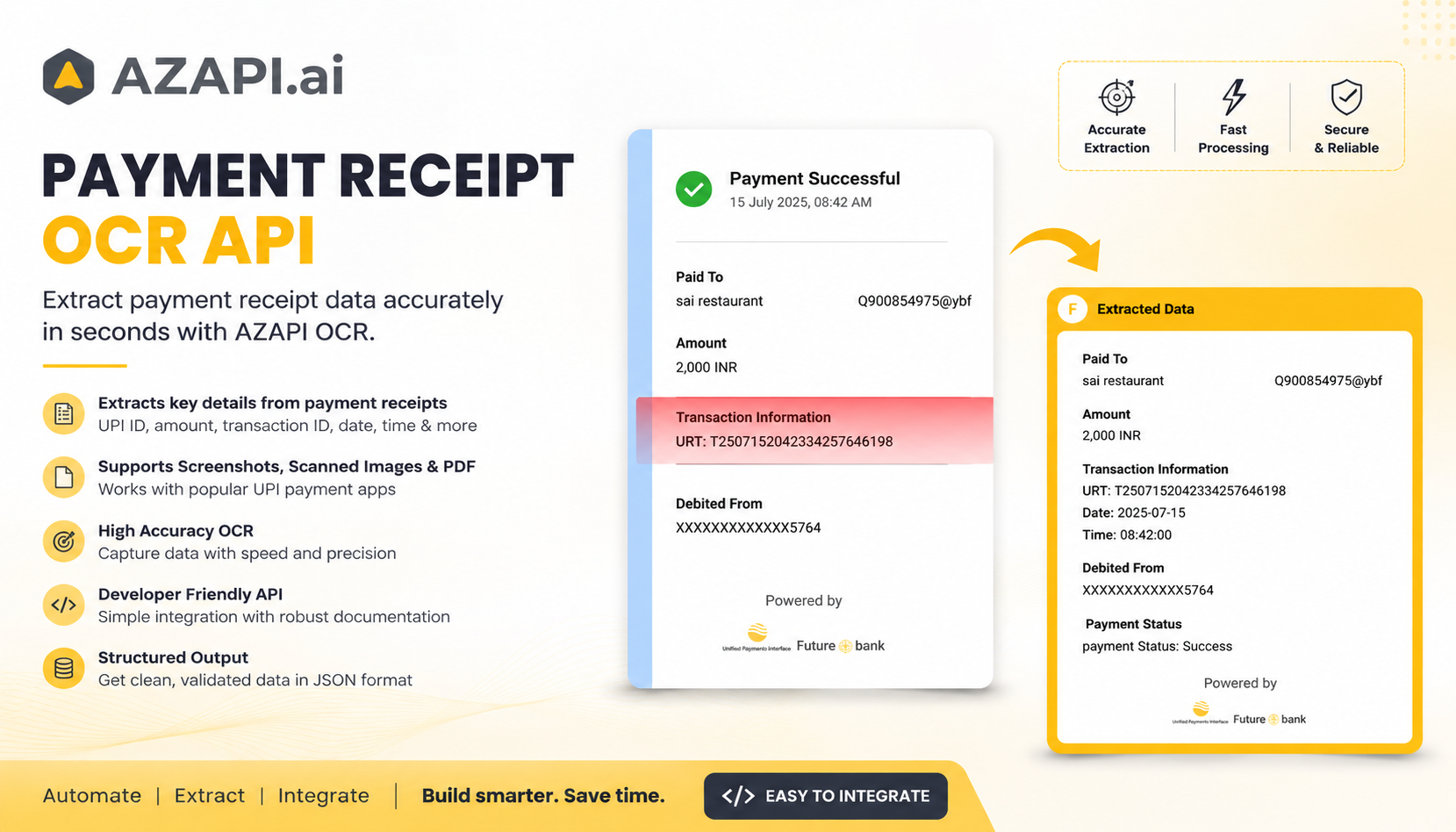
Payment receipts are easy to handle when there are only a few. But once a business starts dealing with hundreds of screenshots, scanned receipts, or PDF confirmations, manually reading and entering the information becomes a repetitive task.
That’s why we built the AZAPI Payment Receipt OCR API.
It helps developers turn payment receipts into structured data that can be used directly in their applications and business workflows.
What it can extract
Recipient or payee name
UPI ID
Payment amount and currency
Transaction or reference ID
UTR number
Payment status
Date and time
Source payment application, where available
Masked account or card details, where available
The API can process digital screenshots, scanned receipt images, and PDF payment receipts from supported UPI-based payment applications.
Where it can be useful
- Payment reconciliation
- Accounting automation
- Financial record management
- Expense processing
- Payment tracking
- Fintech applications
- Internal dashboards and reporting
The idea behind the project is pretty simple: instead of having someone manually read every receipt and copy the information into another system, developers can integrate OCR into the existing workflow and let the application handle the extraction.
The extracted information can then be validated, stored, analyzed, or passed into other business processes.
We built AZAPI with a focus on practical OCR and document automation, especially for workflows where documents need to become usable data rather than just searchable text.
We'd love to hear from other builders:
How are you currently handling payment receipts in your workflow — manually, with OCR, or through your own automation?
Sign in to join the discussion