
Before You Make an Onboarding Video, Find the Step Users Get Stuck On
Suppose you run a small reporting app. New users create a dashboard, see an empty chart, and leave. The obvious response is to make a video explaining the dashboard. But before you write the script, watch a few people reach that screen. If they’re looking for a way to see what the app does without connecting their own data, the useful instruction might be one sentence: “Click ‘Load sample data’ to see a report with example numbers.”
That’s a much smaller video to make. It also gives you a clear way to tell whether the video helped.
Write the line you’d send in a support reply
Start with the question a user would ask at that exact point. In this example, it’s “Can I see a report before I connect anything?” Put the answer near the empty chart, where the question comes up. A homepage explainer can reach more people, but it’s easy to forget what it said by the time you’re staring at a blank dashboard.
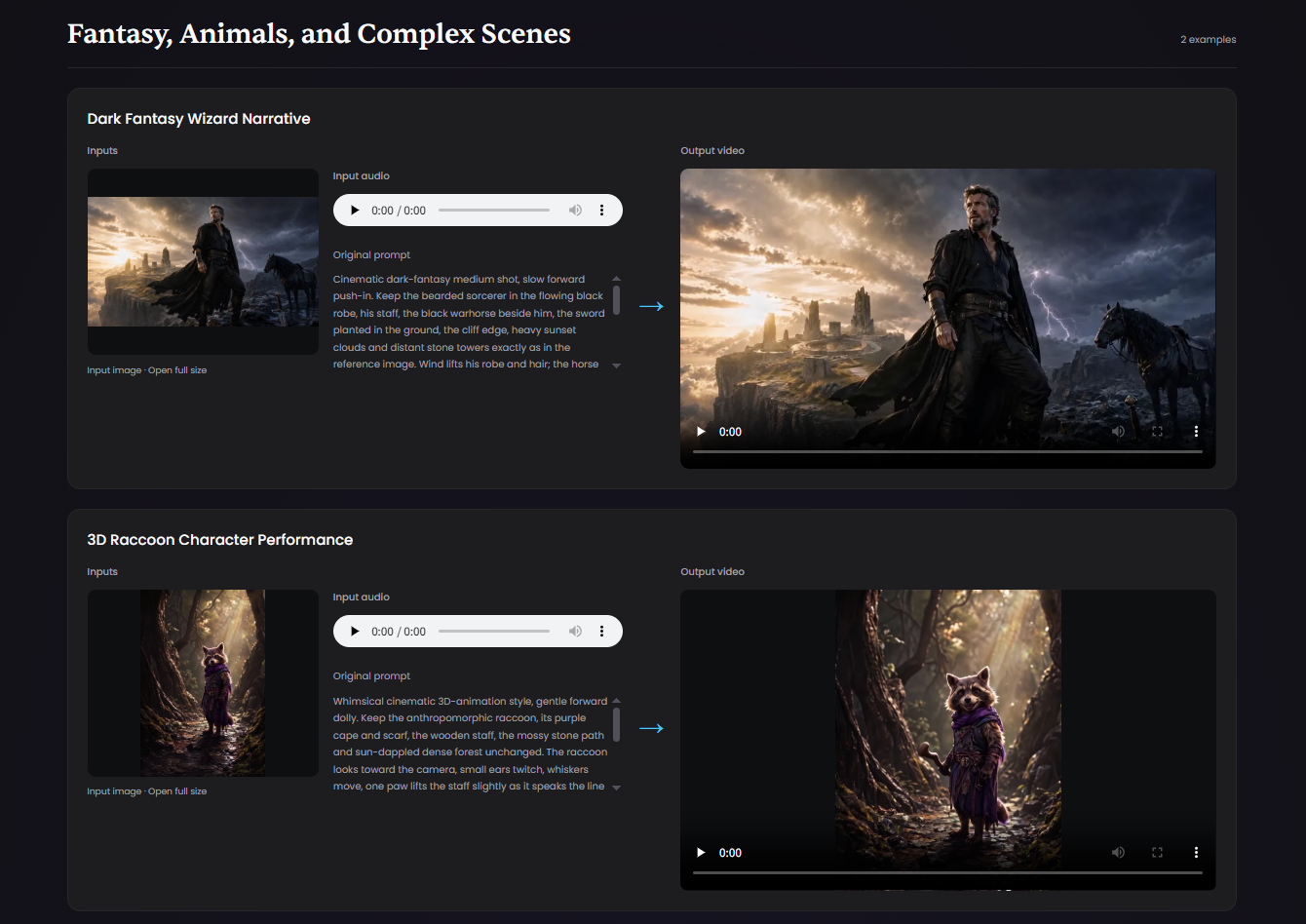
If the team wants a speaking character for the opening, OmniHuman 2.0 is one way to animate an original illustration using a recorded line. Keep the recording short. As soon as the narration names the button, show the real interface and let the cursor rest on the control long enough for someone to find it on their own screen.
Give the text version a fair chance
Put the same instruction in a sentence beside the chart and make the sample data button equally easy to find in both versions. Then add the optional video to one version. That gives you a cleaner question to answer: does seeing the action help users who already have the written instruction?
This matters because a video often ships alongside a rewritten message or a more visible button. If all three change at once, an increase in completed reports won’t tell you what made the difference.
Count the next action after the click
In this case, I’d track how many new users who reach the empty dashboard load the sample data and then open the example report in the same session. Video plays can tell you whether people noticed the clip. Opening the report tells you whether they got to the thing the clip promised to show.
I’d also watch a few sessions with permission. Someone might click the button and still wonder whether the example numbers came from their account. If that confusion shows up, a clear “Sample data” label inside the report may be a better fix than another line of narration.
For a team with a handful of new users each week, those observations can tell you where to look next. Keep the result provisional until you’ve seen enough users to judge whether the extra production and maintenance are worthwhile.
If you’ve added a short walkthrough to onboarding, what did you use to judge whether it helped: fewer support questions, more users completing the step, or something you could only see by watching a session?

Sign in to join the discussion
This is the right order of work — diagnose the stuck step before filming anything. I'd add one small test before the video: put the one-sentence instruction beside the empty chart first, with no video at all, and see whether people still hesitate.
The other detail worth getting right with sample data is labelling. If the example numbers are clearly marked as sample, kept out of any totals, and easy to clear when real data arrives, people can explore without wondering whether those numbers are theirs. That also keeps the sample from becoming a dead end: it should show what a finished report looks like, while the step to connect real data or create a first real item stays just as visible.
On judging it, I'd look past the click on 'Load sample data' to what happens next in the same session — do they open an example report, and do they come back to connect real data? I'd also listen for whether questions like 'is this my data?' fade. If the video only raises plays without changing that next step, the stuck point is still there.